
This guide will help you verify your BettaMax account via email after registration. Unverified accounts will have limited access to some important features such as connecting payment gateways and listing products.
Email verification #
Immediately after creating your account, BettaMax will send a verification email to the address you registered. This process only takes about 2 minutes.
- Open the inbox of the email address you used to register for BettaMax.
- Look for emails with the subject line “Verify your email for BettaMax” .
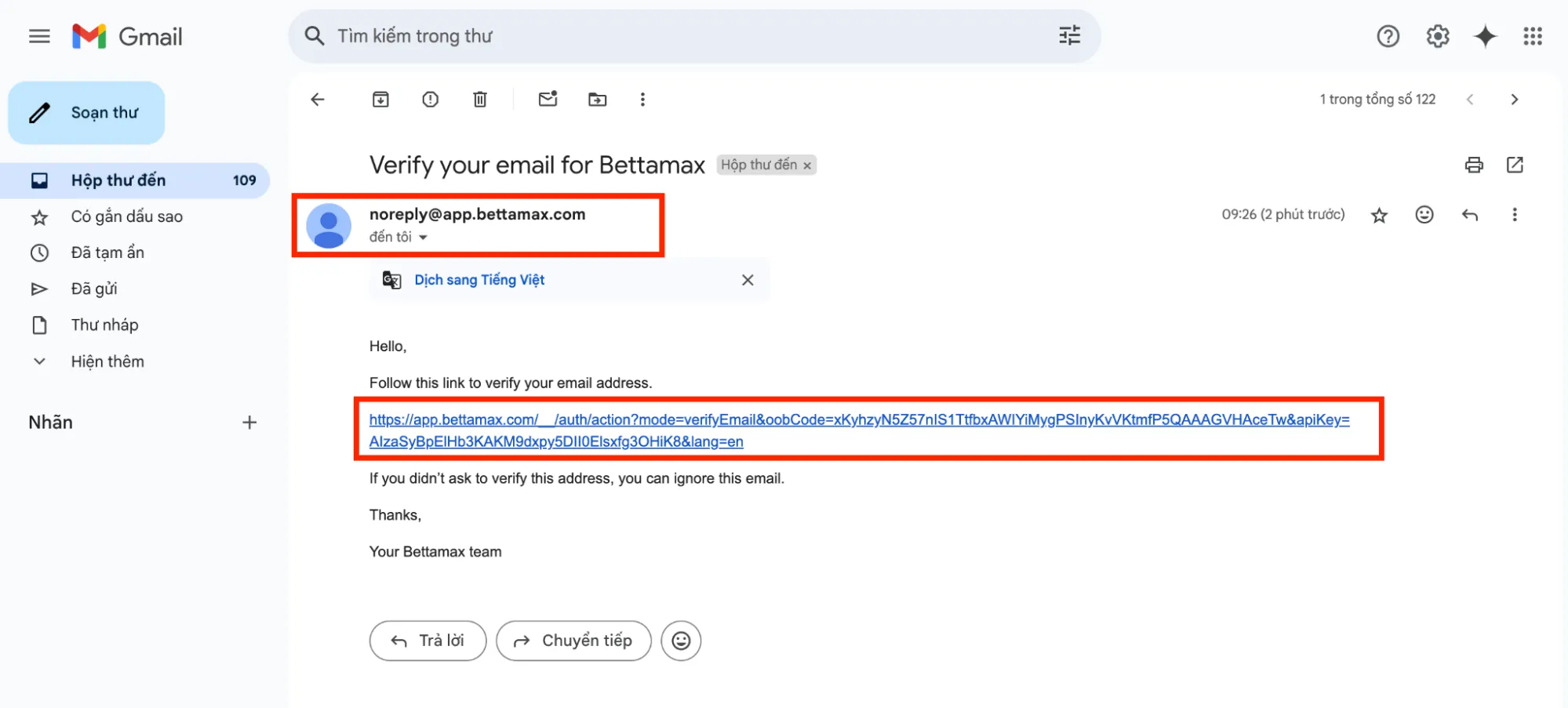
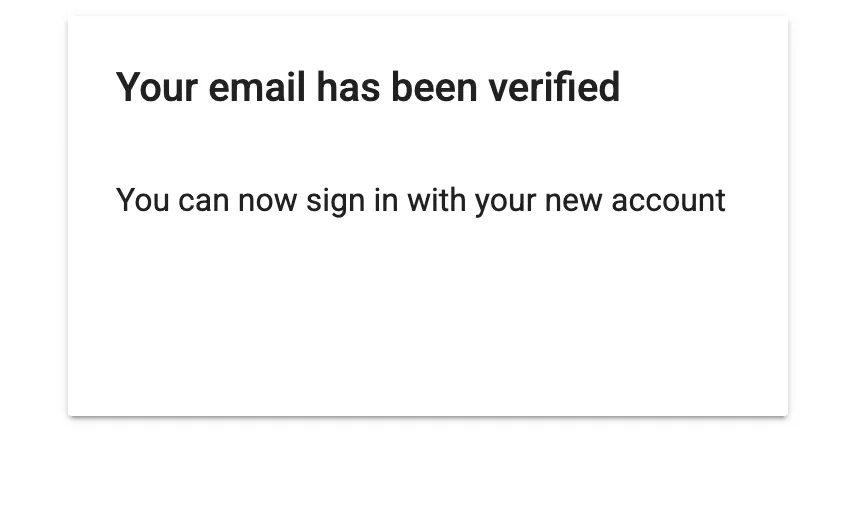
- Clicking the link will automatically redirect your browser to the BettaMax page with a verification confirmation message.
Note: Can’t find the email? Check your Spam or Promotions folder . Emails usually arrive within 5 minutes of registration.
Resend the verification email. #
If the verification email is accidentally deleted or the link has expired, you can request a resend from the login page.
- Go to admin.bettamax.com/login and log in with your account.
- On the yellow notification bar at the top of the page, click Resend verification email .
- Check your inbox and follow steps 2-4 above.
Warning: The verification link in the email is only valid for 24 hours . If the link has expired, please request a new email before clicking the old link again.
Check verification status #
After successful verification, you can check your account status in the settings.
- Log in to admin.bettamax.com .
- Tap your profile picture in the upper right corner, then select Account or Account Settings .
- Check the Account Status section . It should show “Verified ” when complete.
Tip: The yellow notification bar at the top of the page disappears after successful verification. If this bar remains, the account has not been properly verified.