This guide will help you download the BettaMax app, log in, and enable push notifications to track your orders in real time. It takes about 3 minutes.
Download the app #
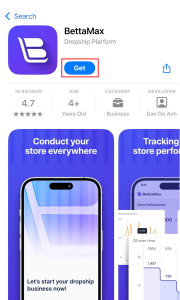
The BettaMax app is available on both the App Store (iOS) and Google Play (Android). Click directly on the link below to open the correct download page for your device.
- Download BettaMax from the App Store (iPhone / iPad)
- Download BettaMax on Google Play (Android)
Tap Download (iOS) or Install (Android) and wait for the app to finish installing.
Log in #
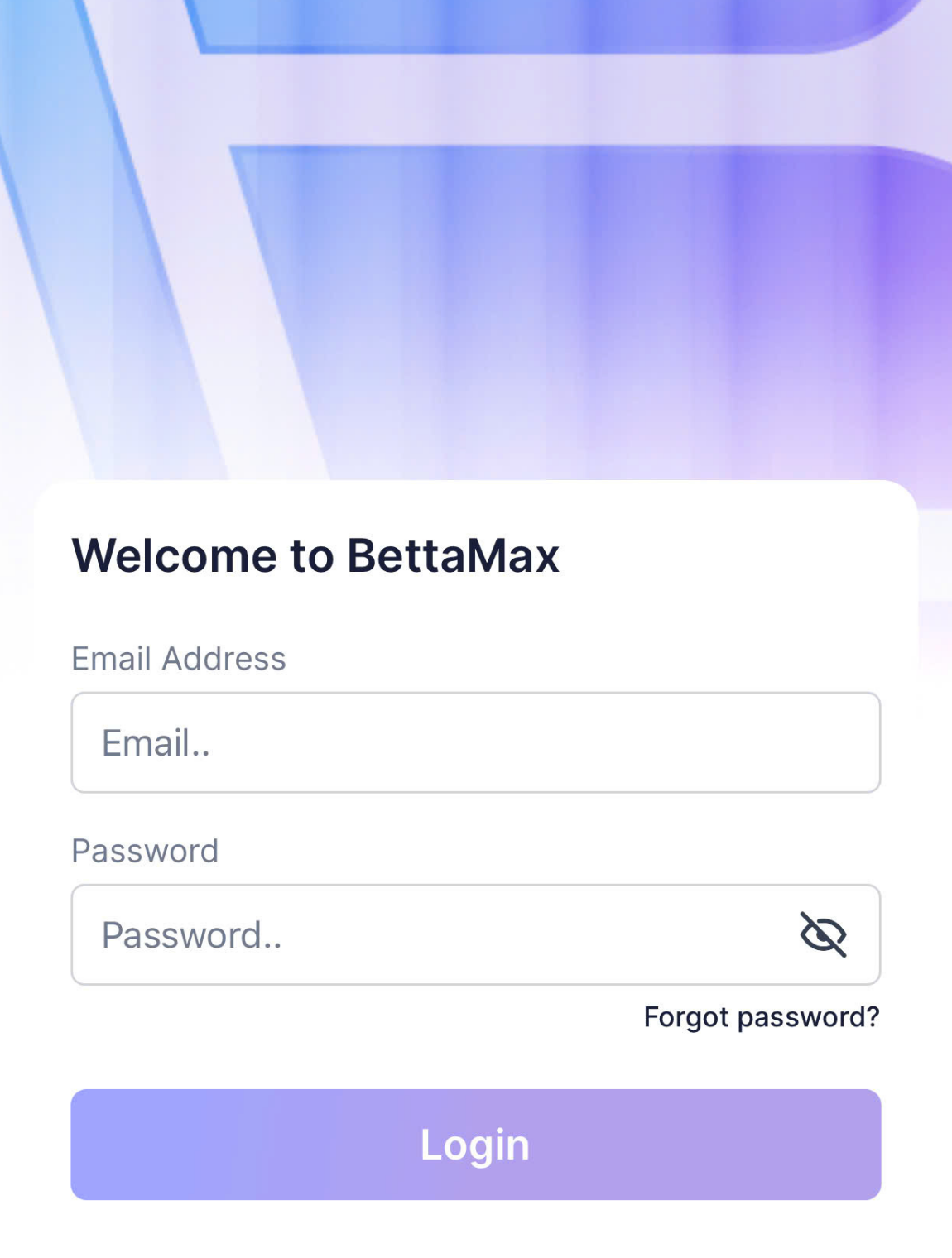
After installation, open the app and log in using the BettaMax account you created on the web. If you don’t have an account yet, see the instructions on how to create a BettaMax account .
- Open the BettaMax app on your phone.
- Enter your registered email and password .
- Click Log in .
Turn on push notifications #
Push notifications help you receive instant alerts about new orders, shipping status, and store performance without opening the app. There are two ways to enable them.
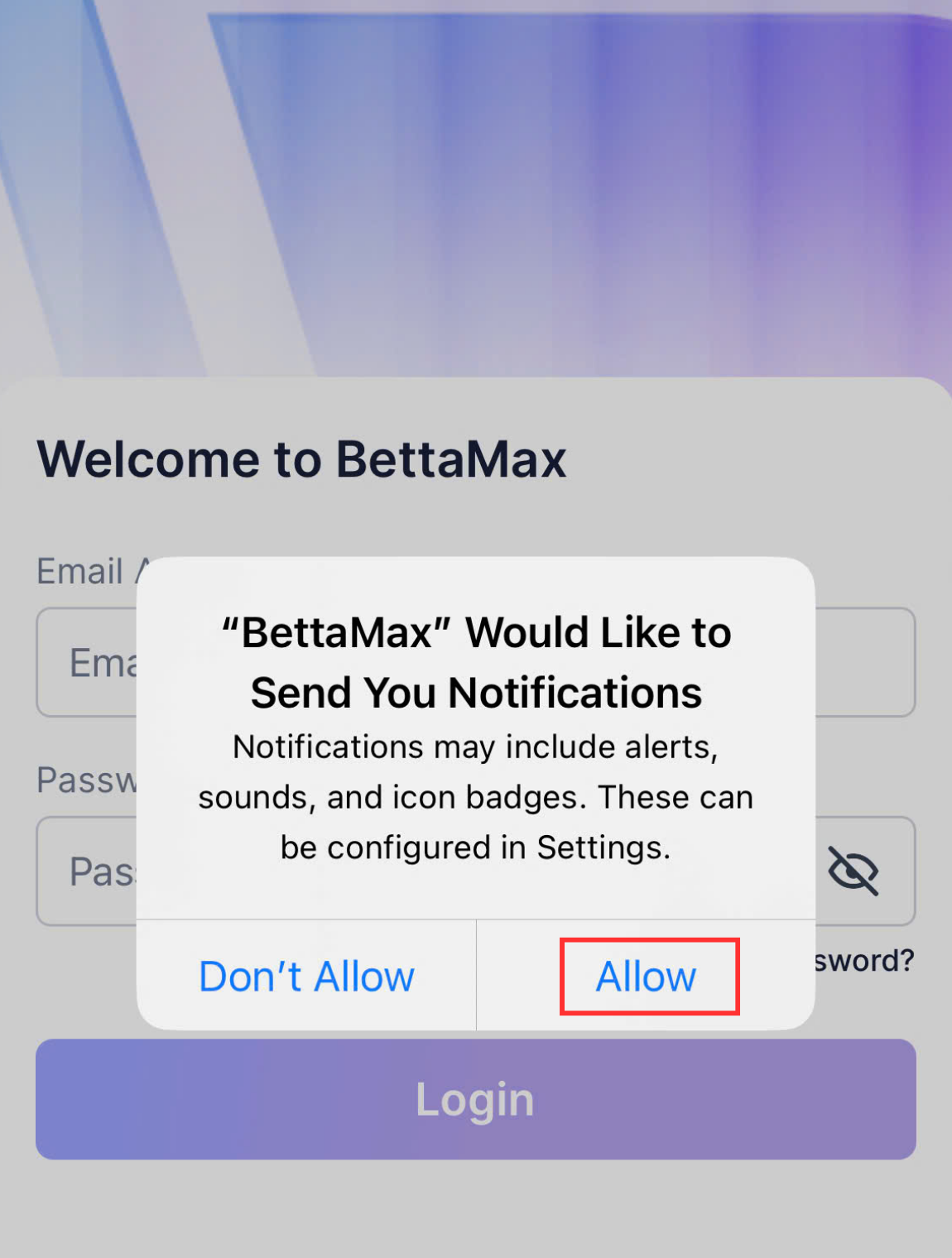
Method 1: Turn it on when you open the app for the first time.
When the app asks for permission to send notifications, tap Allow .
Method 2: Manually enable it in your phone’s settings.
Use this method if you skipped the previous step or accidentally selected Decline.
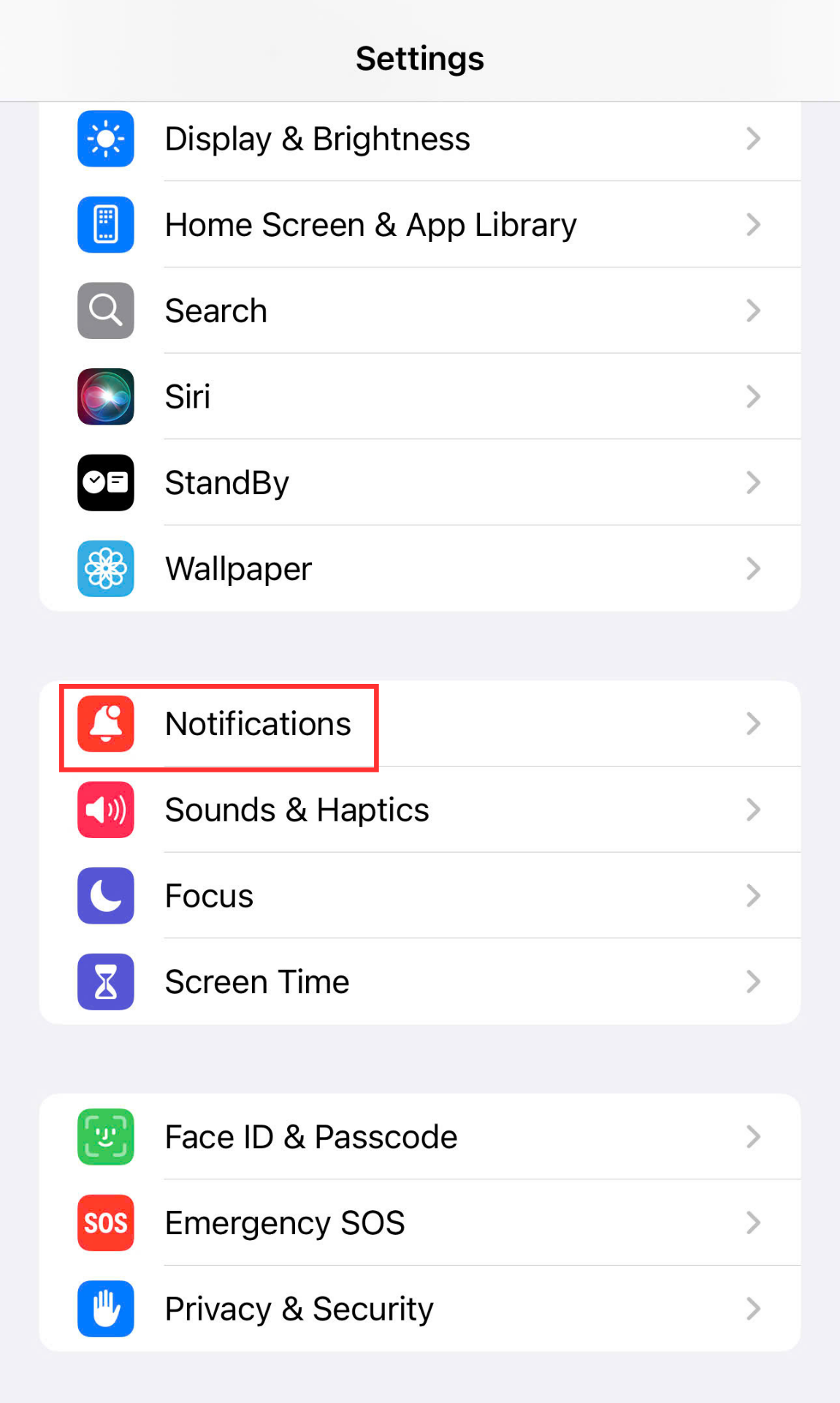
- Open Settings on your phone, then select Notifications .
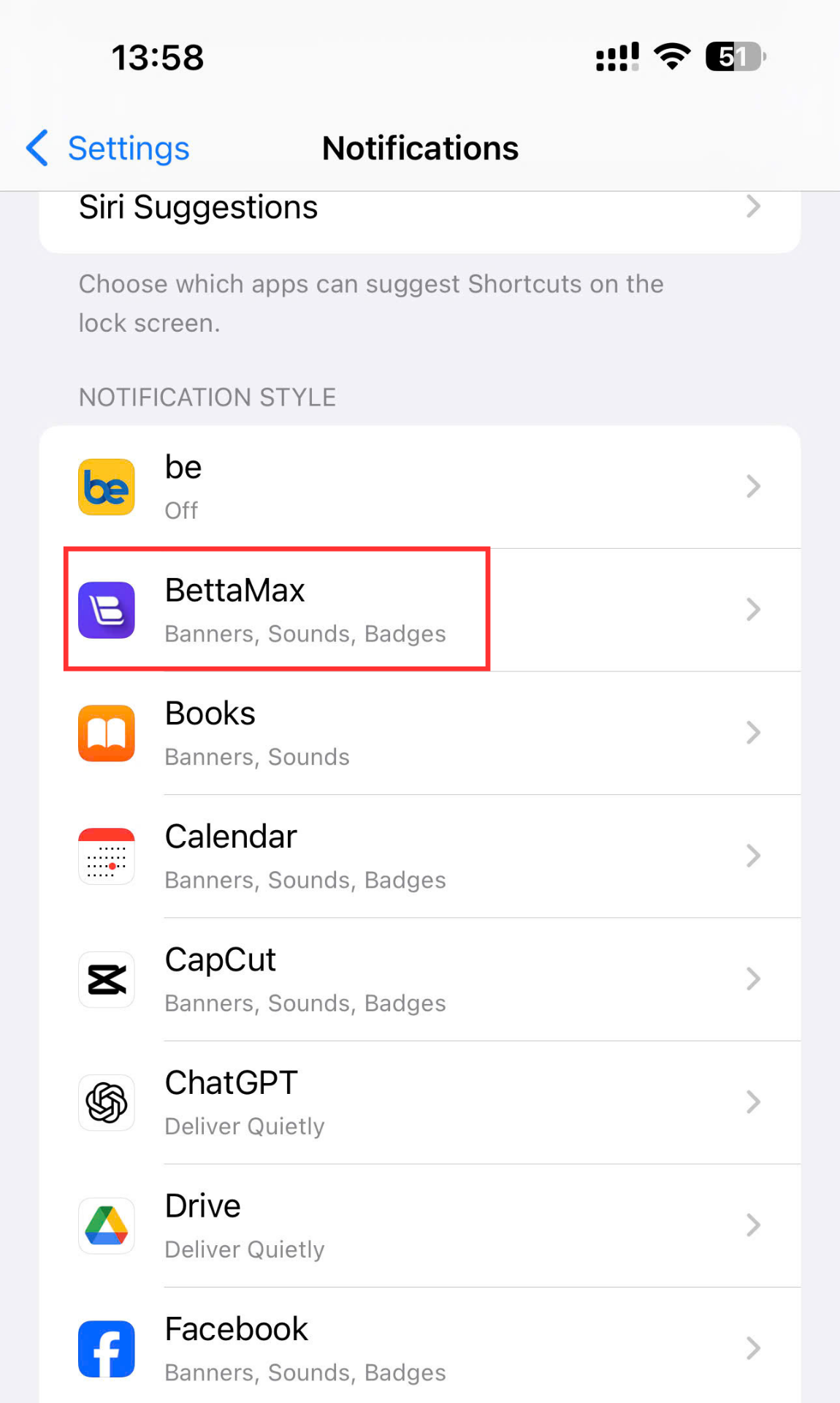
- Find and tap BettaMax in the list of applications.
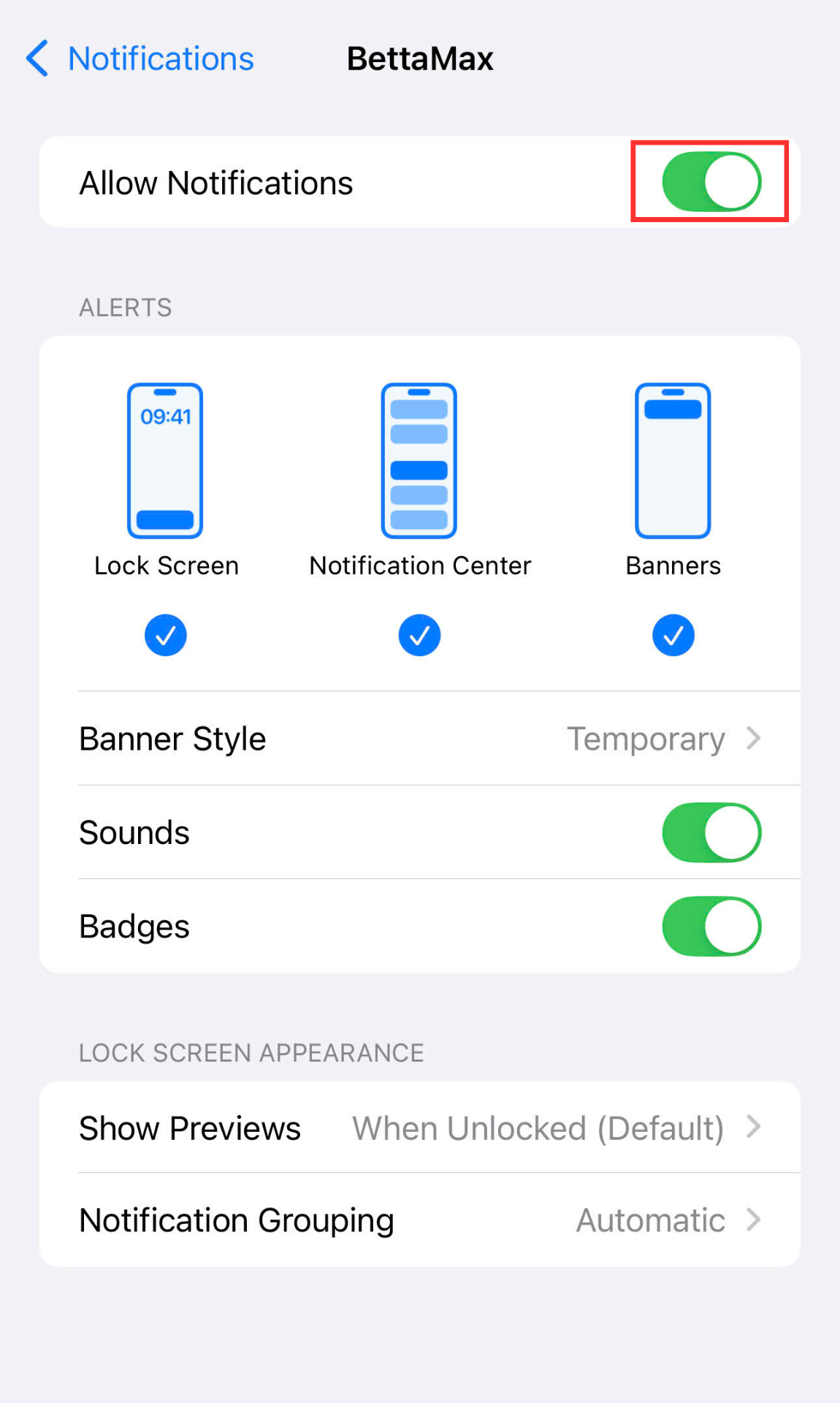
- Turn on Allow notifications .
- Go back to the BettaMax app and log in so that notifications start working.
Tracking feature on the app #
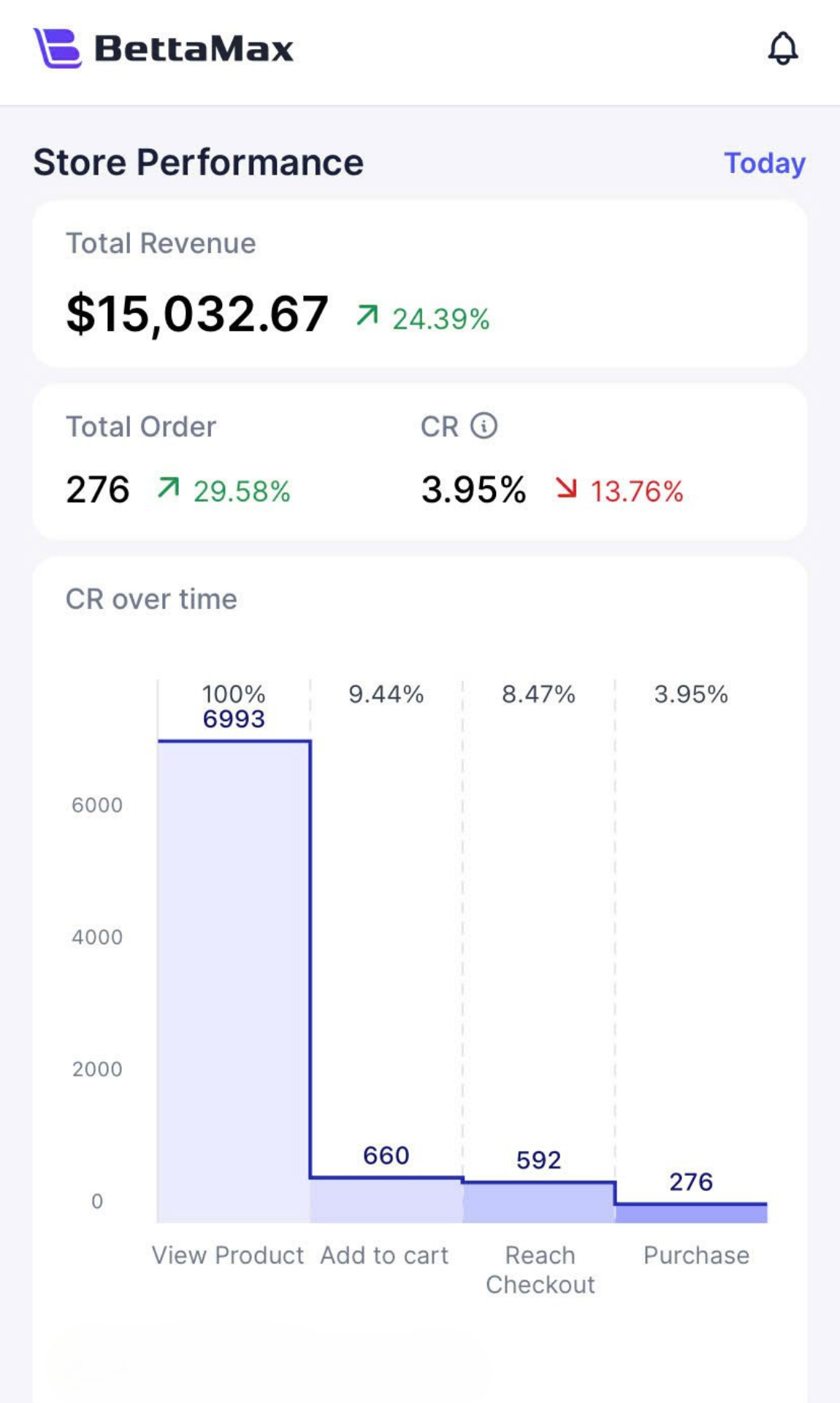
After logging in, you can monitor all store activity directly from your phone without needing to open your computer. Three key metrics are always displayed on the dashboard:
- Store Performance: Real-time traffic, conversion rates, and revenue.
- Product Performance: Number of orders, return rate, and product reviews.
- All Orders: The entire order from the time of placement until successful delivery.