Automated dropshipping is transforming how ecommerce entrepreneurs scale businesses. Instead of manually processing orders, syncing inventory, and managing customer communications, automation handles these time-consuming tasks instantly and accurately. The result: dropshippers save 20-30 hours weekly while improving accuracy and reducing operational costs by 40-60%.
This complete guide reveals the best dropshipping automation software for 2026, explains how to implement automation effectively, and shows exactly what you need to automate your dropshipping business for maximum profitability and growth.
What is automated dropshipping?
Automated dropshipping involves using software tools to handle repetitive business processes without manual intervention. Instead of manually forwarding customer orders to suppliers, updating inventory, sending marketing emails, and managing customer inquiries, automation software performs these tasks automatically based on preset rules.
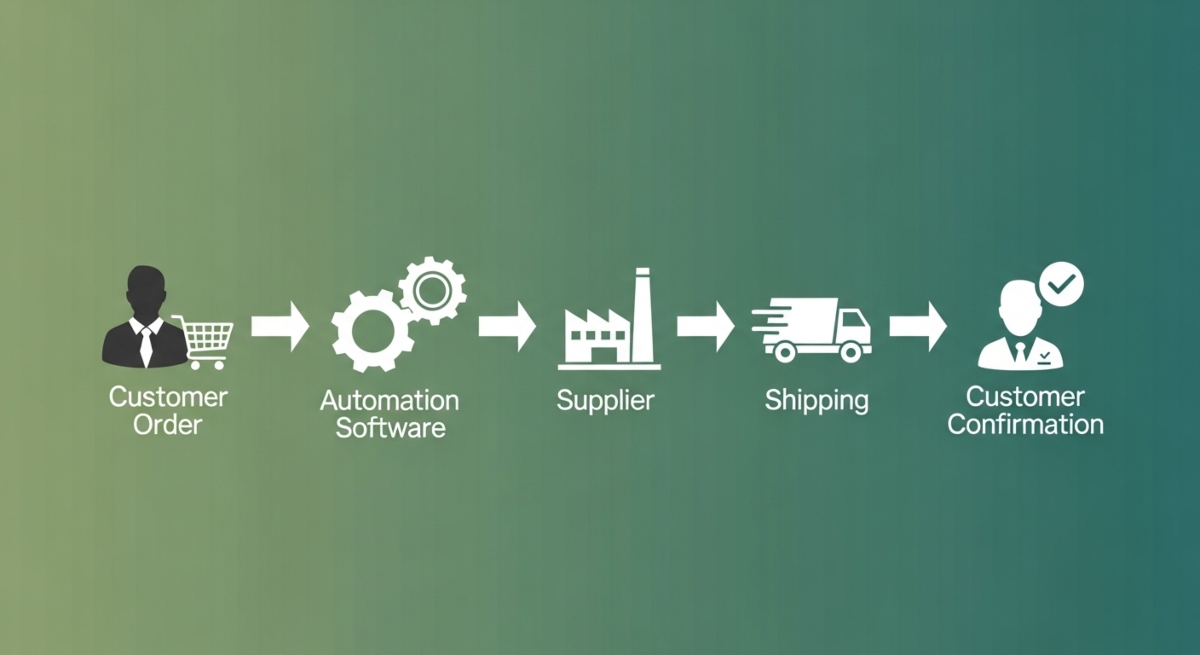
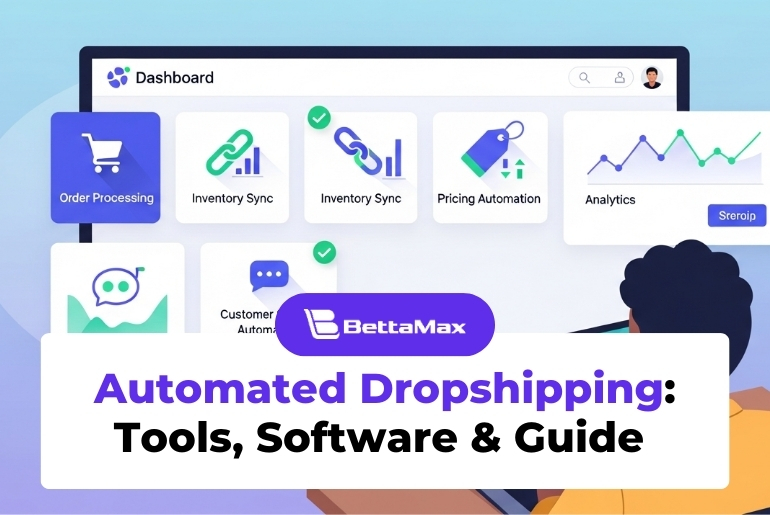
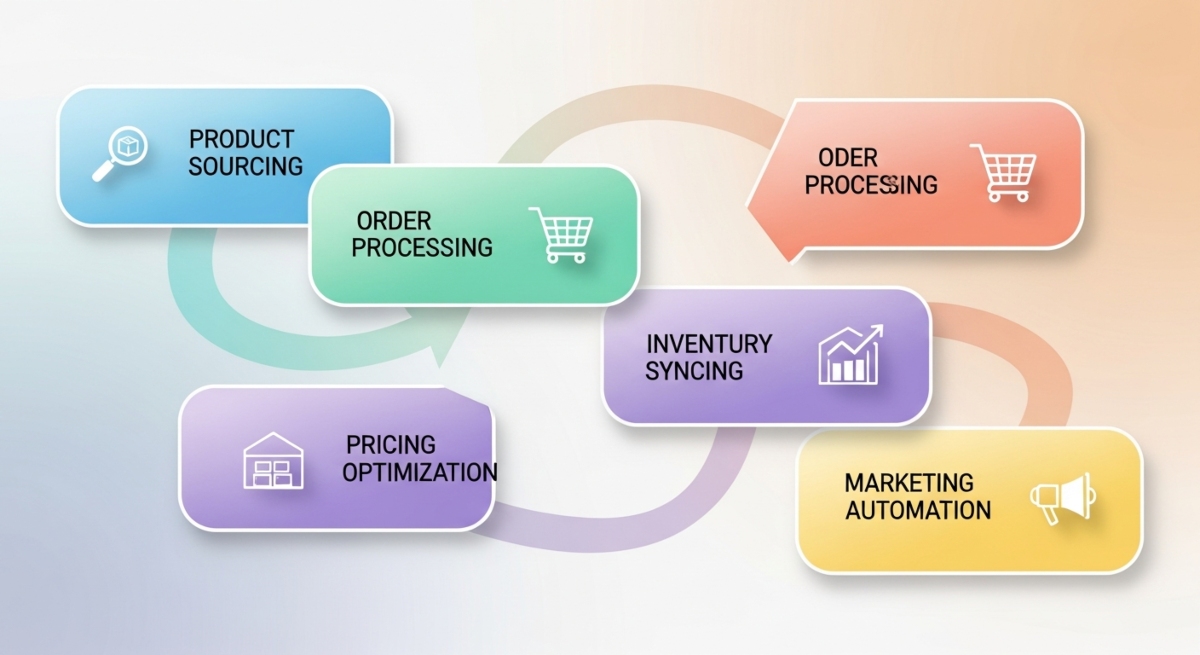
Core automation areas include: Order processing (auto-forwarding to suppliers), inventory management (real-time stock syncing), pricing optimization (dynamic price adjustments), marketing (email sequences, cart recovery), customer service (chatbots, support tickets), and analytics (automated reporting).
Key difference from manual dropshipping: Manual dropshipping requires you to process each order individually. Automated dropshipping processes thousands of orders simultaneously without human intervention. This enables scaling from 100 to 10,000 monthly orders without proportional increases in operational overhead.
Pros and cons of automated dropshipping
Advantages of automated dropshipping
Improved efficiency and speed
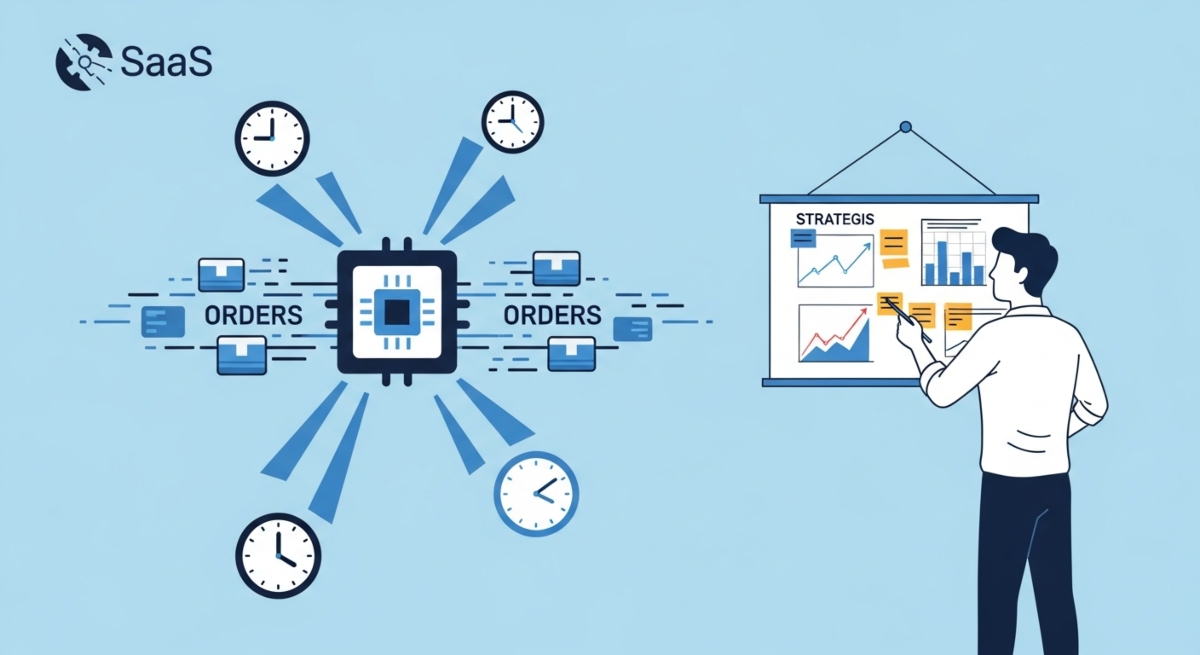
Automation processes orders within seconds of customer purchase. Manual processing takes 5 to 15 minutes per order. Processing 100 daily orders saves 8 to 25 hours weekly. This time frees you for strategic growth activities like marketing and product development.
Greater accuracy in orders and inventory
Automation eliminates human error. Orders are forwarded exactly as received. Inventory updates happen in real time across all channels. Returns are processed automatically. The result: fewer customer complaints, lower return rates, and higher customer satisfaction scores.
Reduced operational costs
You don’t need warehouse staff, customer service representatives, or order processors. Automation software replaces $20,000 to $50,000 annually in labor costs. Monthly software subscriptions cost $100 to $500 (combined across tools), saving 80 to 90% of operational expenses.
Less capital and time investment required
Automation enables scaling without hiring staff or expanding warehouse space. You can grow from one store to five stores without adding overhead. Time requirements stay constant (10 to 15 hours weekly) while revenue multiplies.
Disadvantages of automated dropshipping
Smaller profit margins initially
Automation software subscriptions reduce margins 2 to 5% initially. However, reduced labor costs offset this quickly. Most dropshippers recover software costs within 60 to 90 days and increase profitability significantly thereafter.
Technical knowledge required
Setting up automation requires understanding APIs, integrations, and workflow logic. Non-technical founders struggle initially. However, modern tools (Shopify apps, Zapier) simplify this significantly. Most setups take 2 to 4 hours.
Less control over processes
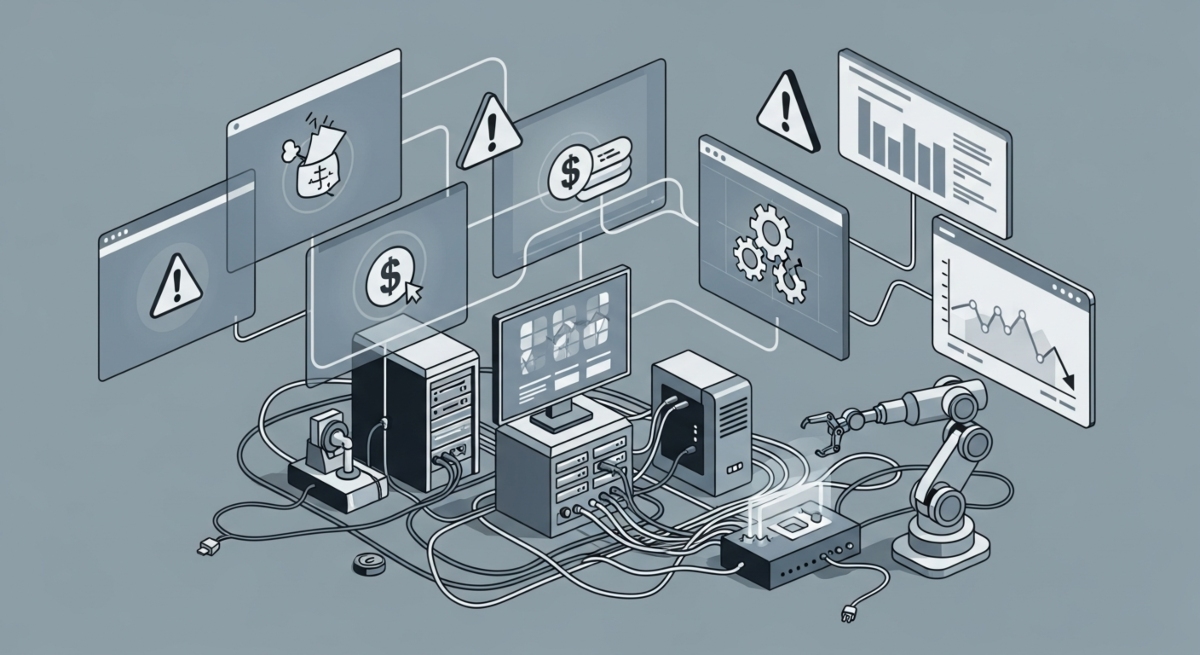
Automation follows preset rules, sometimes inflexibly. If a customer requires special handling, automation might not accommodate it. You need manual override capabilities for exceptions (typically 2 to 3% of orders).
Limited flexibility for exceptions
Automation struggles with unusual scenarios. A customer requesting split shipment, custom packaging, or special instructions requires manual intervention. Building in exception handling takes additional setup time.
Top 11 dropshipping automation tools (with pricing and ratings)
1. DSers
Best for: AliExpress dropshipping automation with order fulfillment focus.
Key features: Auto-order forwarding to AliExpress, order tracking automation, inventory syncing, product import tools, supplier management, bulk operations.
Pricing: Free plan available; premium plans start $17 to $99 per month depending on order volume and features.
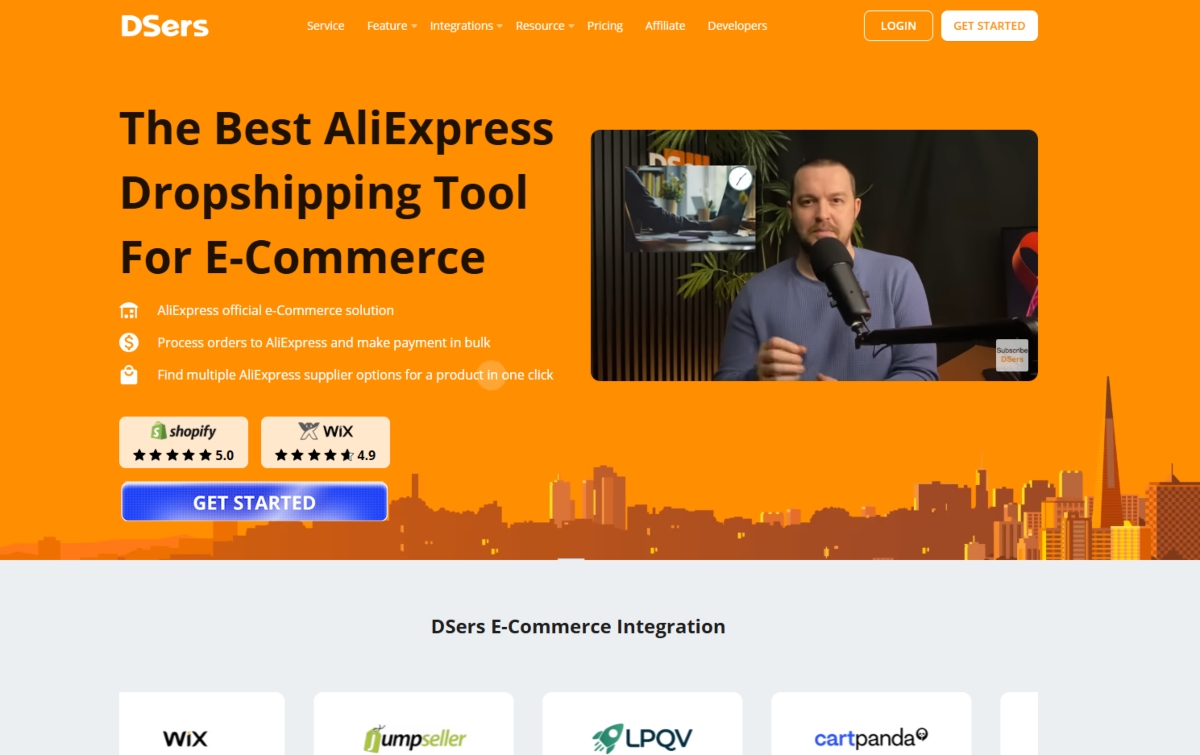
User ratings: 4.6 out of 5 stars on Shopify App Store. Users praise ease of use and reliable order forwarding. Common complaint: limited to AliExpress ecosystem.
Best for: Beginners using AliExpress, high-volume AliExpress sellers, those seeking affordable automation.
2. AutoDS
Best for: Comprehensive dropshipping automation across multiple suppliers.
Key features: Auto-fulfillment from multiple suppliers, inventory management, pricing optimization, product research, competitor monitoring, supplier rating system, bulk product importing.
Pricing: Free trial available; premium plans $49 to $200 per month based on store features.
User ratings: 4.7 out of 5 stars. Users highlight supplier diversity and pricing tools. Complaint: steeper learning curve than competitors.
Best for: Growing stores, multi-supplier businesses, those needing advanced analytics.
3. ShipStation
Best for: Order fulfillment automation and shipping management.
Key features: Automated order importing from multiple channels, shipping label generation, carrier integration (FedEx, UPS, DHL), tracking automation, returns processing, reporting and analytics.
Pricing: Free plan for up to 100 orders monthly; paid plans $9.99 to $99.99 per month.
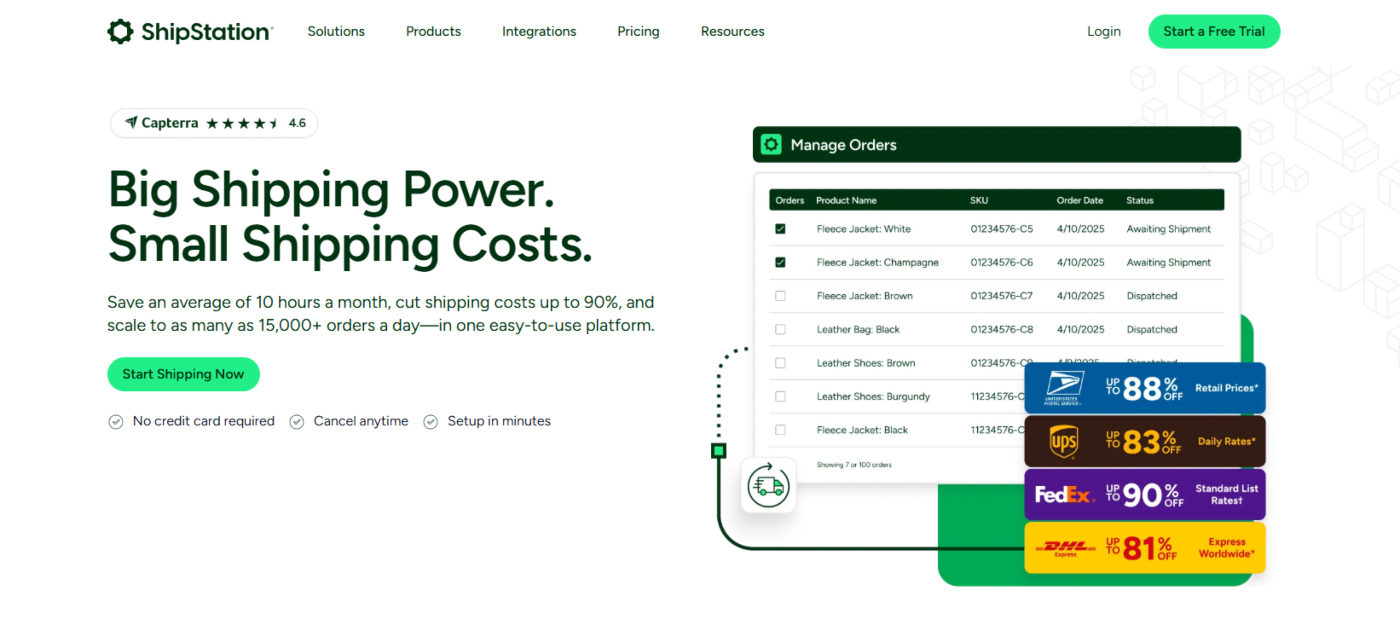
User ratings: 4.5 out of 5 stars. Users appreciate carrier integrations and bulk operations. Complaint: can be overwhelming for small sellers.
Best for: Sellers prioritizing shipping automation, multi-channel operations, high-volume fulfillment.
4. Inventory Source
Best for: Real-time inventory management and pricing automation.
Key features: Real-time inventory syncing across channels, automated price adjustments based on margins, multi-channel product catalog, supplier management, product upload automation, order synchronization.
Pricing: Starts at $99 to $399 per month depending on catalog size and features.
User ratings: 4.4 out of 5 stars. Users value inventory accuracy. Complaint: higher pricing than competitors.
Best for: Multi-channel sellers, those managing large catalogs, inventory-heavy operations.
5. Spocket
Best for: US and EU supplier automation with quality focus.
Key features: Integration with US and EU suppliers, automated product importing, order forwarding, real-time inventory tracking, built-in supplier directory, order tracking.
Pricing: Free plan available; premium plans $39 to $299 per month.
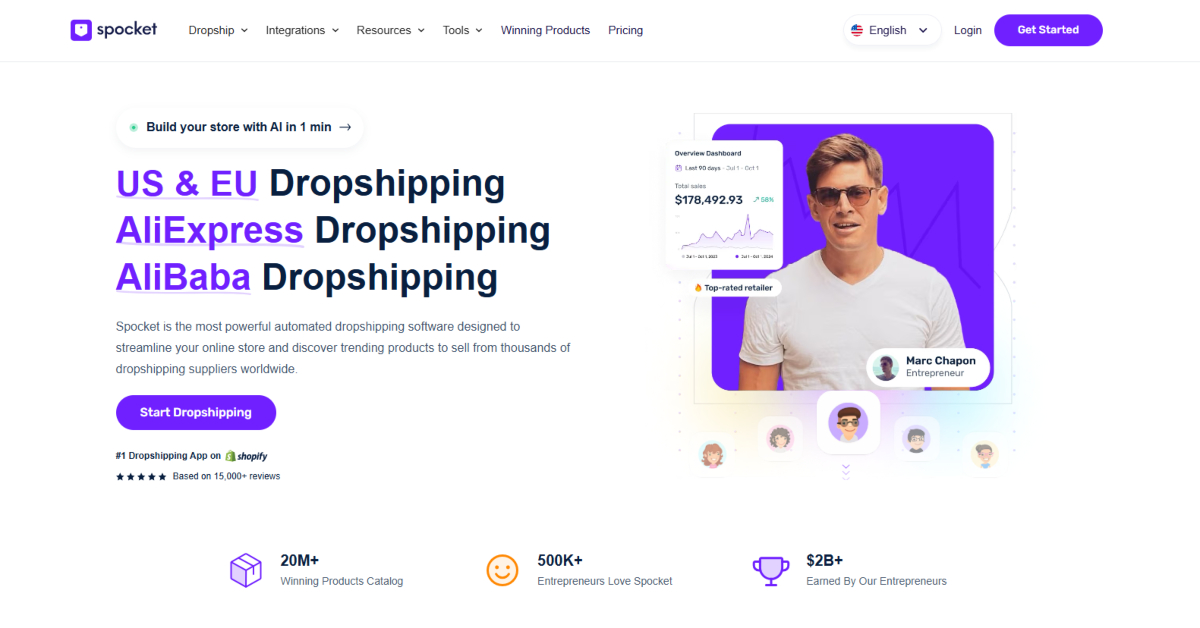
User ratings: 4.6 out of 5 stars. Users appreciate supplier quality and fast shipping. Complaint: higher supplier costs than AliExpress.
Best for: Premium dropshippers, those prioritizing fast shipping, quality-focused stores.
6. Syncee
Best for: Multi-vendor and multi-channel inventory automation.
Key features: Multi-channel inventory sync, automated price optimization, supplier management, product feed generation, real-time updates, competitor price monitoring.
Pricing: Custom pricing; typically $150 to $500 monthly for serious operations.
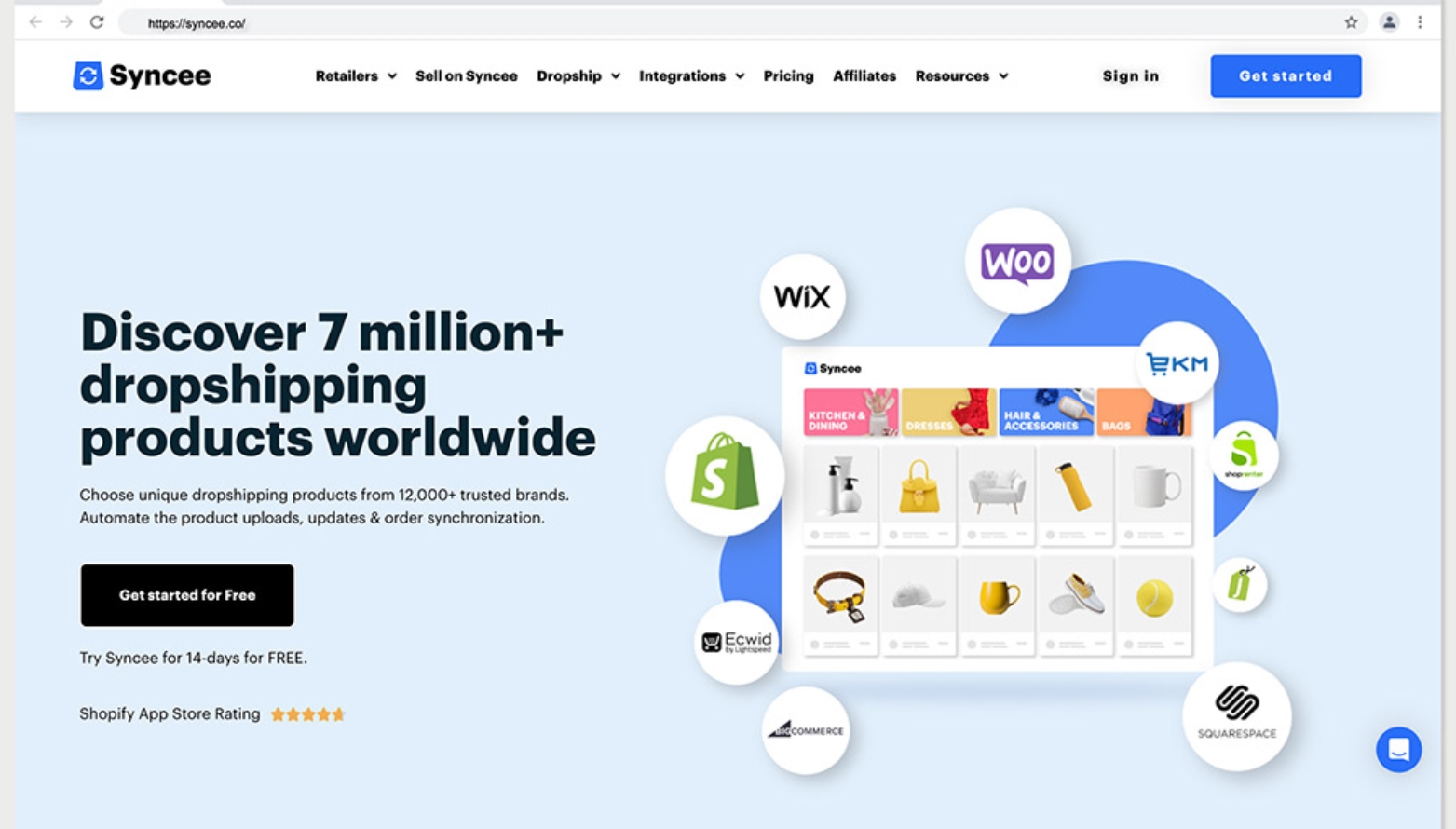
User ratings: 4.5 out of 5 stars. Users highlight accuracy and reliability. Complaint: limited free features.
Best for: Enterprise sellers, complex multi-channel operations, large inventory management.
7. CJ Dropshipping
Best for: All-in-one dropshipping platform with automation built-in.
Key features: Product sourcing, automated order processing, supplier fulfillment, branded packaging options, returns management, order tracking, customer support.
Pricing: Free to start; commission-based for orders plus premium features ($29 to $99 monthly).
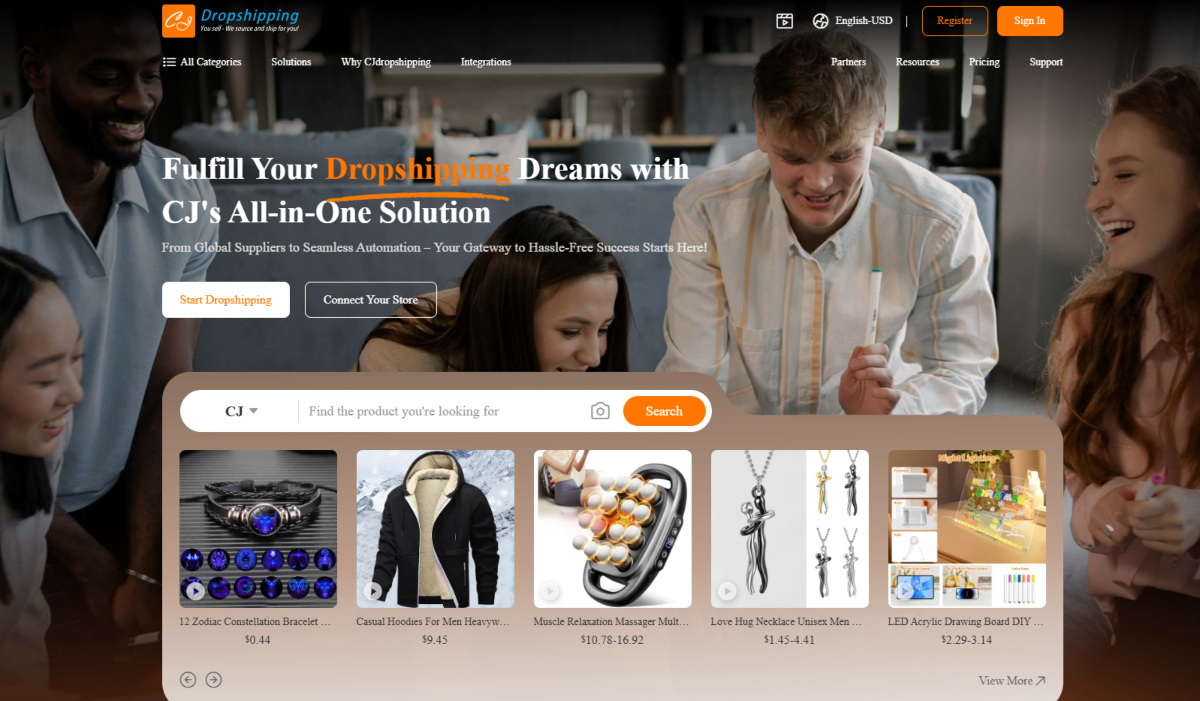
User ratings: 4.6 out of 5 stars. Users appreciate all-in-one functionality. Complaint: higher costs than third-party automation tools.
Best for: Comprehensive automation seekers, those wanting integrated supplier relationships.
8. Zendrop
Best for: Quality-focused dropshipping with fast shipping.
Key features: Product research and trending product alerts, automated order fulfillment, real-time inventory tracking, supplier vetting, quality control measures, customer support integration.
Pricing: Free plan; premium plans $49 to $299 per month based on features.
User ratings: 4.7 out of 5 stars. Users praise product quality and customer support. Complaint: smaller supplier network than AliExpress.
Best for: Quality-conscious sellers, those seeking trending products, premium dropshippers.
9. Klaviyo
Best for: Email marketing automation and customer retention.
Key features: Automated email sequences, cart abandonment recovery, post-purchase follow-up, segmentation and personalization, SMS marketing, analytics and ROI tracking.
Pricing: Free plan for up to 500 contacts; paid plans $20 to $1,250 monthly based on contacts.
User ratings: 4.8 out of 5 stars. Users love email automation effectiveness. Complaint: steeper pricing as contacts grow.
Best for: Email-focused marketing, conversion optimization, customer retention focus.
10. Omnisend
Best for: Multi-channel marketing automation including email, SMS, and social.
Key features: Email marketing automation, SMS campaigns, social media automation, push notifications, abandoned cart recovery, customer segmentation, A/B testing.
Pricing: Free plan available; paid plans $20 to $300 monthly depending on contacts and features.
User ratings: 4.6 out of 5 stars. Users appreciate multi-channel capabilities. Complaint: fewer advanced features than Klaviyo.
Best for: Multi-channel marketing, SMS campaigns, omnichannel automation.
11. Zapier
Best for: Connecting automation between different tools and platforms.
Key features: Connects 6,000+ apps, custom workflow automation (Zaps), conditional logic, data transformation, task automation, integration platform for custom needs.
Pricing: Free plan (100 tasks monthly); paid plans $19.99 to $799 monthly for advanced users.
User ratings: 4.7 out of 5 stars. Users value app connectivity and flexibility. Complaint: can be complex for non-technical users.
Best for: Tool integration, custom workflows, connecting incompatible platforms.
Types of dropshipping automation
Product sourcing automation
Automatically identify trending products before they become saturated. Tools analyze social media trends, search volume, competitor offerings, and market demand to flag winning products. Automation continuously monitors new products matching your criteria, saving hours of manual research weekly.
Tools: DSers, AutoDS, Zendrop (product research features), Dropship.io competitor analysis.
Order processing automation
When customers purchase, automated systems instantly forward orders to suppliers with customer details, payment confirmation, and shipping address. No manual copying or pasting. No delays. Orders reach suppliers within seconds of customer purchase.
Tools: DSers, ShipStation, CJ Dropshipping, Inventory Source.
Inventory management automation
Real-time inventory syncing ensures you never oversell. When inventory depletes, systems automatically adjust product listings, notify you, or pause sales. Stock from multiple suppliers syncs across all sales channels simultaneously.
Tools: Inventory Source, Syncee, ShipStation, Spocket.
Pricing optimization automation
Dynamic pricing adjusts automatically based on demand, competitor prices, inventory levels, and margin targets. During peak demand, prices increase automatically. During slow periods, discounts apply automatically. This maximizes revenue throughout product lifecycle.
Tools: Inventory Source, AutoDS, Syncee, Shopify Flow.
Marketing and customer service automation
Email sequences send automatically after purchase, abandoned carts trigger follow-ups, customer inquiries receive instant chatbot responses, and customer support tickets route to appropriate team members. Entire customer journey runs on autopilot.
Tools: Klaviyo, Omnisend, Zapier, Shopify Inbox, Gorgias.
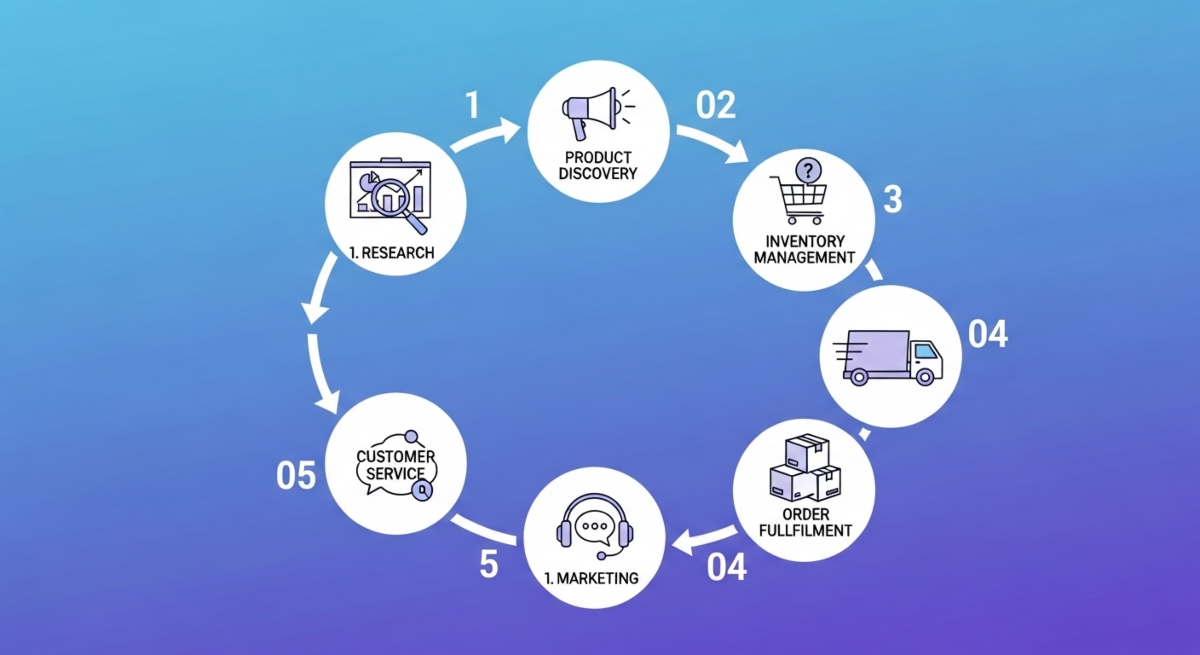
How to automate your dropshipping business (6 steps)
Step 1: Market research and product selection
Identify products with strong demand and low saturation. Use trending product tools (DSers, AutoDS, Zendrop) to research which items are selling well currently. Look for products with consistent demand, reasonable margins (40 to 60%), and reliable suppliers.
Focus on automation-friendly products: items with straightforward specifications, standard shipping, minimal customization requirements, and strong customer reviews. Avoid products requiring extensive customer support, complex customization, or quality control concerns that automation can’t handle.
Step 2: Set up your ecommerce platform
Choose Shopify (most automation-friendly), WooCommerce, or another ecommerce platform. Install apps from your chosen automation tools. Most automation tools have native Shopify integration (one-click setup). Complete setup takes 1 to 2 hours maximum.
Connect your payment gateway (Stripe, PayPal), configure shipping zones, and set up basic store information. Automation tools require Shopify API access, which you grant during app installation.
Step 3: Select and connect suppliers
Choose suppliers compatible with your automation tools. DSers works exclusively with AliExpress. AutoDS connects multiple suppliers. Spocket focuses on US and EU suppliers. CJ Dropshipping integrates directly.
Connect supplier accounts to your automation platform. This typically involves providing API credentials or store login information. Test integration by importing sample products and verifying that price, inventory, and product data sync correctly.
Step 4: Implement order automation
Configure order forwarding rules specifying exactly how orders transfer to suppliers. Set parameters like adding markup automatically, modifying shipping addresses, and attaching custom notes. Test with sample orders before launching to production.
Enable tracking automation so tracking numbers from suppliers automatically populate in customer Shopify orders. Configure customer notifications so clients receive tracking updates automatically without your involvement.
Step 5: Automate inventory management
Enable real-time inventory syncing across all sales channels. Configure inventory thresholds triggering alerts when stock falls below minimum quantities. Set pause-sale rules automatically disabling products when inventory depletes (preventing overselling).
Test inventory automation by manually adjusting supplier inventory and verifying that Shopify inventory updates within minutes. Confirm that overselling protection works correctly.
Step 6: Set up marketing automation
Connect email marketing tools (Klaviyo, Omnisend) to your store. Build automated workflows: Welcome sequence after signup, abandoned cart recovery after 30 minutes, post-purchase follow-up after delivery, and review request after 14 days.
Set up SMS automation for time-sensitive offers. Configure social media automation (buffer, Later) to schedule product posts across Instagram, TikTok, and Pinterest. Build retargeting campaigns showing ads to website visitors who didn’t purchase.
Best products for automated dropshipping
High-performing product categories
1. Eco-friendly personal care items: Bamboo toothbrushes, natural skincare, sustainable deodorant, reusable razors. Driven by environmental consciousness, high margins (50 to 70%), repeat purchase potential.
2. Smart home devices: Smart plugs, WiFi doorbells, automation hubs, smart lighting. Tech-savvy audience, good margins (40 to 60%), consistent demand.
3. Fitness trackers and wearables: Activity monitors, smartwatches, fitness bands, health sensors. Health-conscious buyers, willing to pay premium, strong repeat interest.
4. Wireless charging stations: Phone chargers, multi-device chargers, car chargers, desk organizers. Essential technology, low return rates, consistent demand.
5. Portable kitchen appliances: Blenders, coffee makers, slow cookers, food processors. Appeal to health and cooking enthusiasts, good margins, year-round demand.
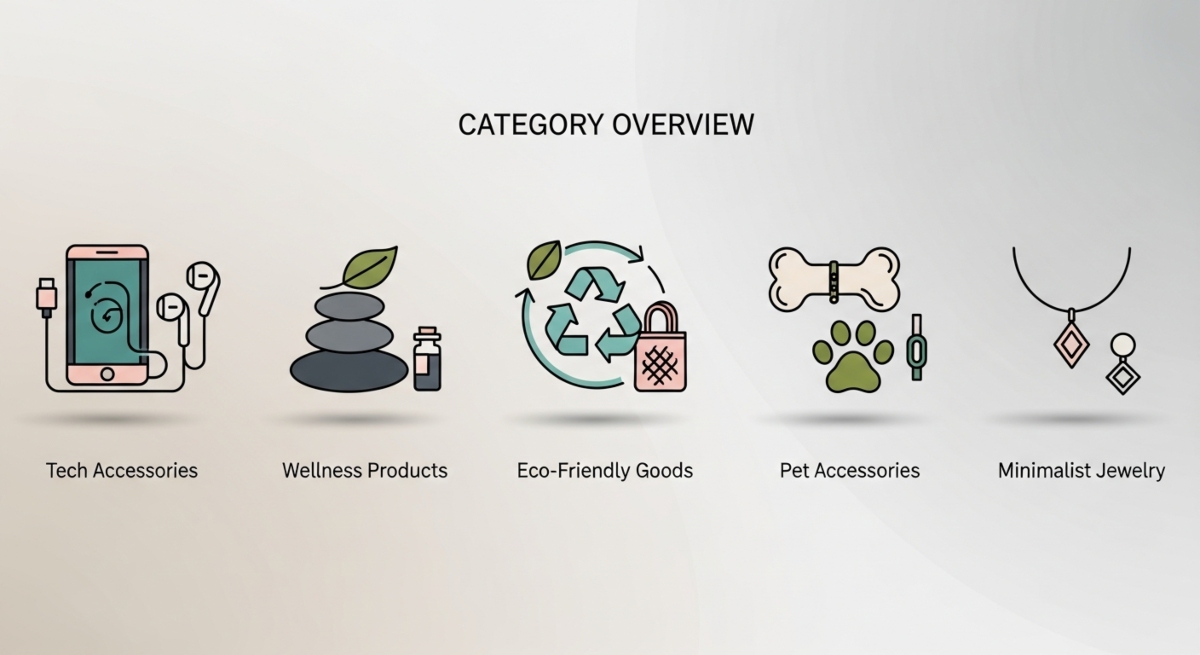
6. Reusable storage solutions: Glass containers, silicone bags, vacuum storage, organization systems. Eco-conscious buyers, repeat purchases, steadily growing category.
7. Yoga and wellness products: Yoga mats, blocks, bolsters, meditation cushions. Wellness-focused audience, strong brand loyalty, seasonal peaks.
8. Grooming and personal care kits: Beard care, skincare sets, hair care kits, nail care. Male grooming growth market, good margins, gift-giving potential.
9. Pet accessories: Pet beds, toys, grooming tools, feeding stations, travel carriers. Pet owners spend liberally, emotional attachment to products, repeat purchases.
10. Minimalist jewelry: Simple rings, necklaces, bracelets, earrings. Trending aesthetic, high margins (60 to 80%), young demographic, social media-friendly.
11. Tech accessories: Blue light glasses, phone organizers, cable organizers, laptop stands. Office workers, students, consistent demand, bundling opportunities.
12. Travel and organization products: Packing cubes, travel organizers, luggage tags, portable chargers. Seasonal peaks, travel enthusiasts, repeat purchases.
Tips to choose the right automation tools
Evaluation criteria
Integration compatibility: Verify the tool integrates with your ecommerce platform, existing apps, and suppliers. Check native integrations versus requiring Zapier (adds complexity). Test integrations before committing.
Ease of use: Non-technical founders need intuitive interfaces. Modern tools (Shopify apps) simplify dramatically versus older platforms requiring coding. Read user reviews specifically about setup difficulty.
Customer support quality: When integration issues arise, responsive support becomes critical. Check support availability (email, chat, phone), response times (24 to 48 hours standard), and knowledge base quality.
Pricing versus features value: Calculate true cost including all fees. A $99 per month tool with additional per-order fees might cost more than $300 monthly at scale. Compare monthly cost at your projected order volume.
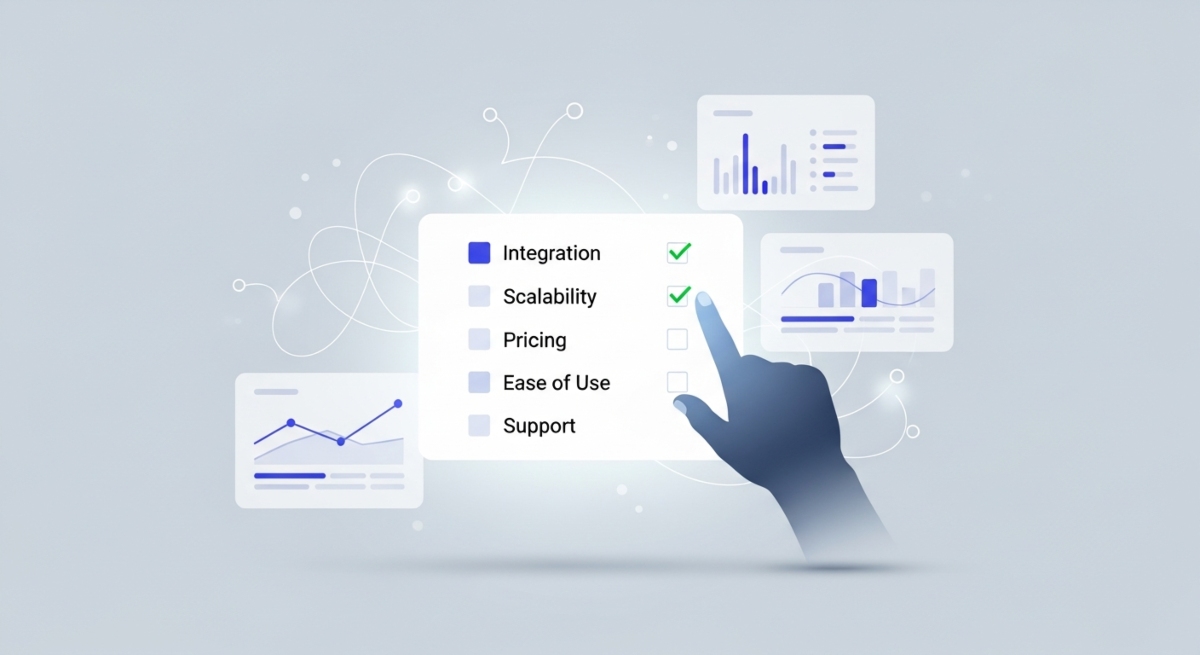
Scalability for growth: Ensure tools grow with your business. Some platforms charge per-order fees becoming expensive at scale. Others charge fixed rates regardless of volume (better for growth).
Decision framework
Assess your business needs: Start by identifying your biggest pain points. If order fulfillment overwhelms you, prioritize ShipStation or DSers. If inventory management causes overselling, prioritize Inventory Source. If customer communication exhausts you, prioritize Klaviyo.
Budget considerations: Allocate $200 to $500 monthly for automation initially. Start with one or two essential tools (order fulfillment plus inventory management) rather than overcommitting across five tools.
Growth projections: Choose tools supporting your projected growth. If planning to scale from 500 to 5,000 monthly orders, avoid tools with aggressive per-order pricing. Choose fixed-rate platforms.
Tool combinations: Best automation uses 3 to 5 complementary tools rather than one “do-everything” platform. Typical combination: ShipStation (fulfillment) plus Inventory Source (inventory) plus Klaviyo (marketing) plus Zapier (custom workflows).
Common automation pitfalls to avoid
Over-automating without monitoring
Complete automation without oversight creates problems. Supplier fulfillment errors go unnoticed. Customer complaints receive automated responses that don’t actually address issues. Monitor key metrics (fulfillment times, error rates, customer satisfaction) weekly and maintain manual oversight of 5 to 10 percent of orders.
Choosing tools based on price alone
Cheapest tools often lack features causing problems at scale. A $50 monthly tool missing inventory syncing causes overselling losing $5,000 monthly in refunds and chargebacks. Invest in adequate tools even if costs are $400 to $500 monthly.
Neglecting quality control in automation
Automation can’t evaluate supplier quality or catch defective products. Establish quality checkpoints: receive sample orders, inspect products personally, confirm packaging standards. Maintain manual quality control until you absolutely trust suppliers.

Not testing automation before full launch
Testing automation catches integration errors, workflow issues, and configuration mistakes before affecting customers. Test with 50 to 100 orders before full launch. Problems are easy to fix in testing, expensive to fix at scale.
Ignoring customer communication in favor of full automation
Completely automated customer service feels robotic. Customers detect they’re interacting with chatbots, causing frustration. Balance automated responses with human support for 10 to 20 percent of inquiries requiring empathy or complex problem-solving.
Automated dropshipping FAQs
How does automated dropshipping work?
Automated dropshipping uses software to handle repetitive processes without manual intervention. Customer places order on your store, automation software instantly sends order to supplier with customer details, supplier prints label and ships product, tracking number automatically updates in your store, customer receives tracking automatically, and refunds process automatically upon return. The entire process happens without your involvement.
What are the main benefits of automated dropshipping?
Main benefits include: saving 20 to 30 hours weekly (equivalent to full-time employee), reducing error rates by 80 to 90% (fewer refunds and chargebacks), decreasing operational costs 40 to 60% (no staff required), enabling scaling from 100 to 10,000 monthly orders without overhead increase, and freeing time for strategic growth activities (marketing, product development).
Is automated dropshipping suitable for beginners?
Yes, absolutely. Modern tools like Shopify apps simplify automation dramatically. No coding required. Beginners can set up automation within 2 to 4 hours. Start with one simple tool (order fulfillment), master it, then expand to additional tools. Most beginners successfully automate within first month.
How much does dropshipping automation cost?
Total monthly software cost ranges from $200 to $650 depending on order volume and feature needs. Base cost: $50 to $100 for order fulfillment, $100 to $300 for inventory management, $50 to $150 for email marketing, $20 to $100 for workflow automation. Annual cost: $2,400 to $7,800. One-time setup cost: $300 to $1,000.
What’s the ROI of automated dropshipping?
ROI is exceptional. Average returns: time savings worth $30,000 to $50,000 annually (equivalent of employee salary), error reduction saving $3,000 to $10,000 annually in prevented refunds and chargebacks, revenue growth 20 to 40% annually from freed-up time. Typical ROI: 30x to 50x annual software investment.
How to automate dropshipping order process?
Steps include: choosing automation tool (DSers, ShipStation, AutoDS), connecting supplier account, configuring order forwarding rules, testing with sample orders, enabling customer tracking notifications, and monitoring fulfillment metrics. Most entrepreneurs complete order automation setup in 2 to 3 hours.
Can I use multiple automation tools together?
Yes, and this is recommended. Use Zapier to connect incompatible tools. Typical combination: ShipStation for fulfillment, Inventory Source for inventory, Klaviyo for marketing, Zapier for custom workflows. Best practices require manual testing when connecting multiple tools to ensure data flows correctly.
How can I ensure quality with automated dropshipping?
Quality control measures include: sample order inspection, supplier vetting before automation launch, maintaining manual review of 5 to 10 percent of orders, regular monitoring of customer feedback and return rates, tracking supplier performance metrics (on-time delivery, defect rates), and maintaining manual override capability for exceptions requiring human judgment.
Conclusion
Automated dropshipping transforms ecommerce operations from time-consuming manual processes into efficient, scalable systems. By implementing the right tools (order fulfillment, inventory management, marketing automation), you can save 20 to 30 hours weekly while improving accuracy and reducing costs by 40 to 60%.
The best approach: start with one essential automation tool addressing your biggest pain point, master it within one month, then expand to additional tools. Most dropshippers see positive ROI within 60 to 90 days.
Start automating today: Choose one pain point to address first (order fulfillment, inventory management, or marketing). Select the appropriate tool from the 11 options provided. Complete setup within one week. Measure time and cost savings. Expand automation strategically as you grow.